
It's a Friday afternoon in the middle of duck season. Your guide finished his third straight morning in the blind and needs to be paid before the weekend. The boat's fuel tank is sitting on fumes, tomorrow's group lands at 5 a.m., and the deposit from Tuesday's booking — money you've already earned — is still somewhere between Stripe and your bank, marked "in transit."
Every outfitter, captain, and lodge owner knows that gap. The work is done, the money exists, and you still can't touch it. As of this week, you can.
What Instant Payouts are
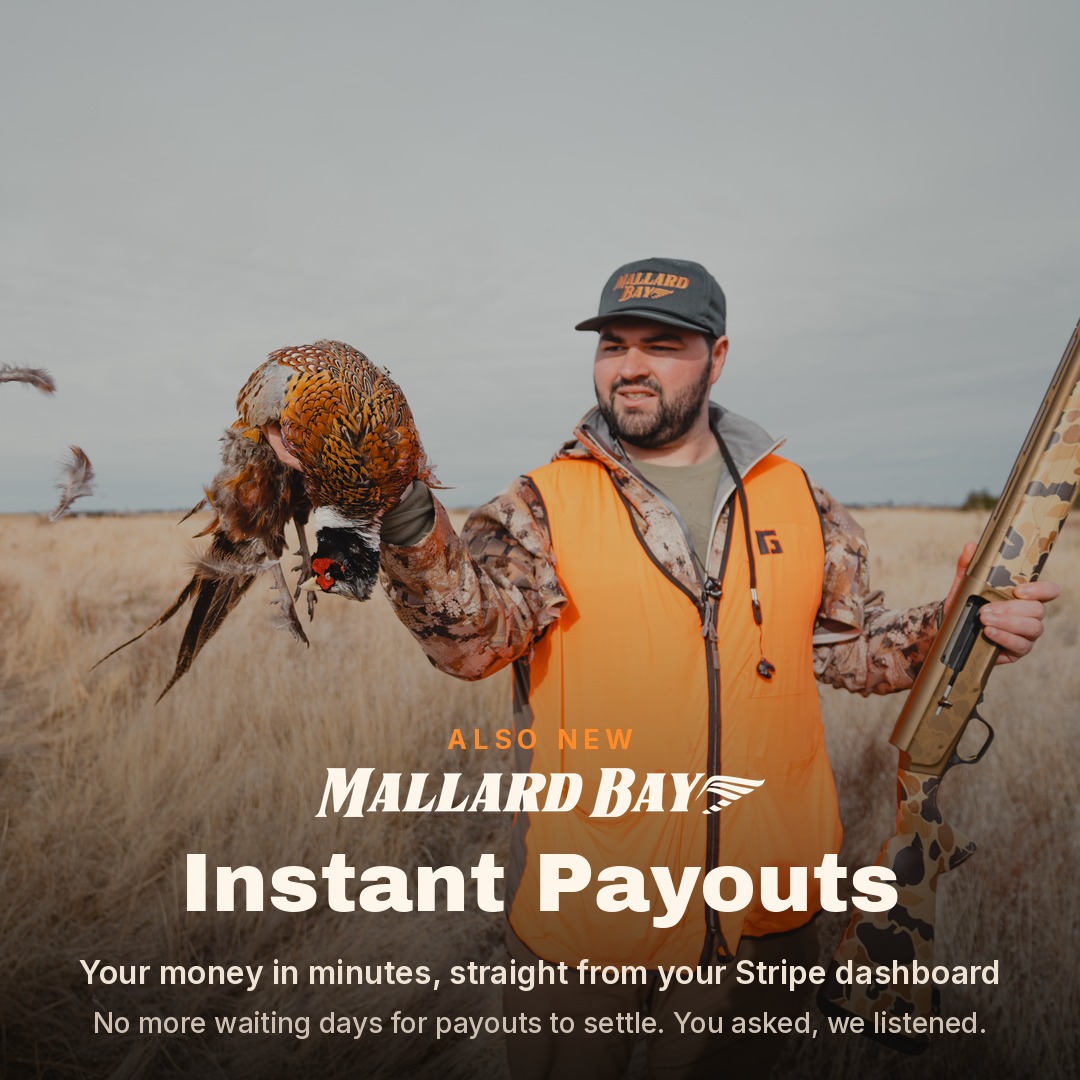
Instant Payouts are now live on Mallard Bay. Instead of waiting on the standard payout schedule, you can move money from your Mallard Bay account balance to your bank whenever you want — 24/7, including weekends and holidays. Funds typically appear in your bank account within 30 minutes of requesting the payout.
Nothing changes about your regular payouts. The standard schedule keeps running automatically, at no extra cost, for anything you don't pull instantly. Instant Payouts are simply a faster lane you can use when the timing matters — a per-payout fee applies (more on that below), and you choose when it's worth it.
How to turn it on, step by step
- Open your payments dashboard. Log into Mallard Bay and open Stripe from your homepage — the same dashboard where you already track your payouts and balance.
- Add an eligible debit card or bank account. This is the step most people miss. Instant Payouts can only land on an eligible destination — in the US, that means a supported debit card or certain bank accounts. Not every card or bank qualifies, so if you only have a standard bank account on file, add your business debit card under your payout details. (Stripe publishes a list of supported banks.)
- Find the Instant Payout option on your balance screen. Once an eligible card or account is on file, your available balance shows an Instant Payout button. Enter the amount you want to move, choose "Instant" instead of standard, and confirm. That's it — the money is typically in your bank within 30 minutes.
Don't see the button? There are three usual causes: the debit card on file isn't eligible, your account hasn't met the eligibility thresholds yet, or your payout configuration needs a change on our side. All three have the same fix — reach out to Mallard Bay support and we'll get you sorted.
Why this matters if you run an outfit
Outfitting is a feast-or-famine business. Deposits arrive months before the season. Expenses hit all at once during it. The weeks when the most money is flowing through your account are the same weeks when guides need paying daily, fuel and bait get bought at 5 a.m., and something on the boat or in the lodge always breaks.
Instant Payouts close that gap with your own money:
- Pay guides and deckhands same-day. Tips and day rates come out of money earned that morning, not out of your personal account while you wait on a transfer.
- Cover mid-trip costs. Fuel, bait, shells, ice, and groceries for the next group — pulled from the deposits that group already paid.
- Handle the surprise overrun. A last-minute lodging night, a charter that ran long, a trailer tire on a Sunday. Pull what you need, when you need it.
- Stay liquid without borrowing. This isn't a credit line and there's nothing to pay back. It's your revenue, arriving on your schedule instead of the bank's.
The honest fine print
We'd rather you know exactly how this works than find out at the balance screen:
- Cost. Each Instant Payout carries a 1.5% fee, disclosed before you confirm. Standard payouts remain free — so for money that can wait, let the regular schedule do its thing.
- Limits. In the US, each Instant Payout has a $0.50 minimum and a $9,999 maximum per transaction, and daily volume limits apply. If you're moving large amounts during peak weekends, plan accordingly or split across days.
- What's instantly available. Funds from card payments become available for Instant Payouts as soon as the charge completes. Payments made by ACH or bank debit have to settle first before they're eligible.
- Bank timing varies. "Typically within 30 minutes" is the norm, but the final leg depends on your bank. Occasionally it takes longer.
Put it to work
Instant Payouts are part of Mallard Bay Money Hub, our growing set of financial tools built for how outfitters actually operate — alongside Mallard Bay Capital, which we announced this week.
Open your Mallard Bay dashboard, click into Stripe, and check your balance screen. If the Instant Payout option is there, you're set for the season. If it isn't, contact Mallard Bay support and we'll confirm your eligibility and get your account squared away — it usually comes down to adding the right debit card.
The season doesn't wait on banking hours. Now your money doesn't either.
Check your balance screen today
Open Stripe from your Mallard Bay dashboard to see if Instant Payouts are ready on your account — or contact support to confirm your eligibility.